datetime:2025/12/27 12:51
author:nzb
该项目来源于mujoco_learning
Mujoco 安装
方法1:编译安装
- 克隆项目
git clone https://github.com/google-deepmind/mujoco.git - 编译(建议开启魔法)
cd mujoco mkdir build cd build cmake .. cmake --build . # 多线程编译使用 cmake --build . -j线程数 - 选择安装位置(推荐/opt)
cmake -DCMAKE_INSTALL_PREFIX=/opt/mujoco . sudo cmake --install .
插件支持
创建一个mujoco_plugin文件夹,再将编译好之后的build/lib下的链接库(如libactuator.so,libelasticity.so,libsdf_plugin.so,libsensor.so等)拷贝到该文件夹中
把该文件夹拷贝到你运行simulata的同级目录中
1.
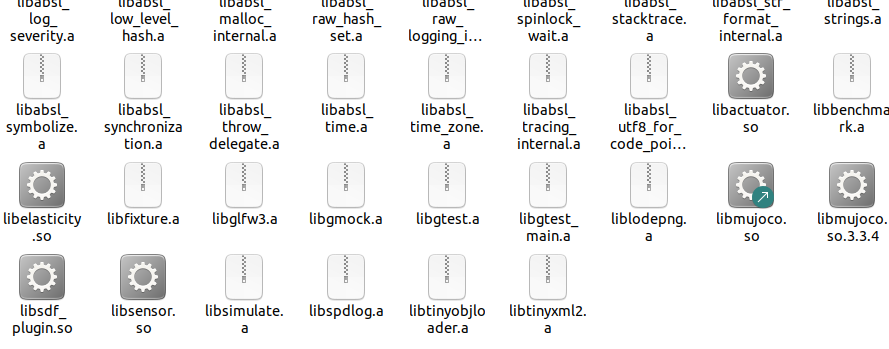 2.
2.
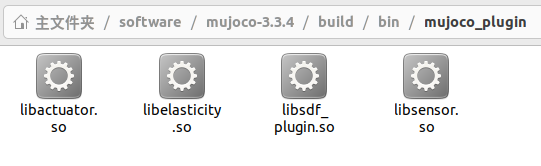 3.
3.
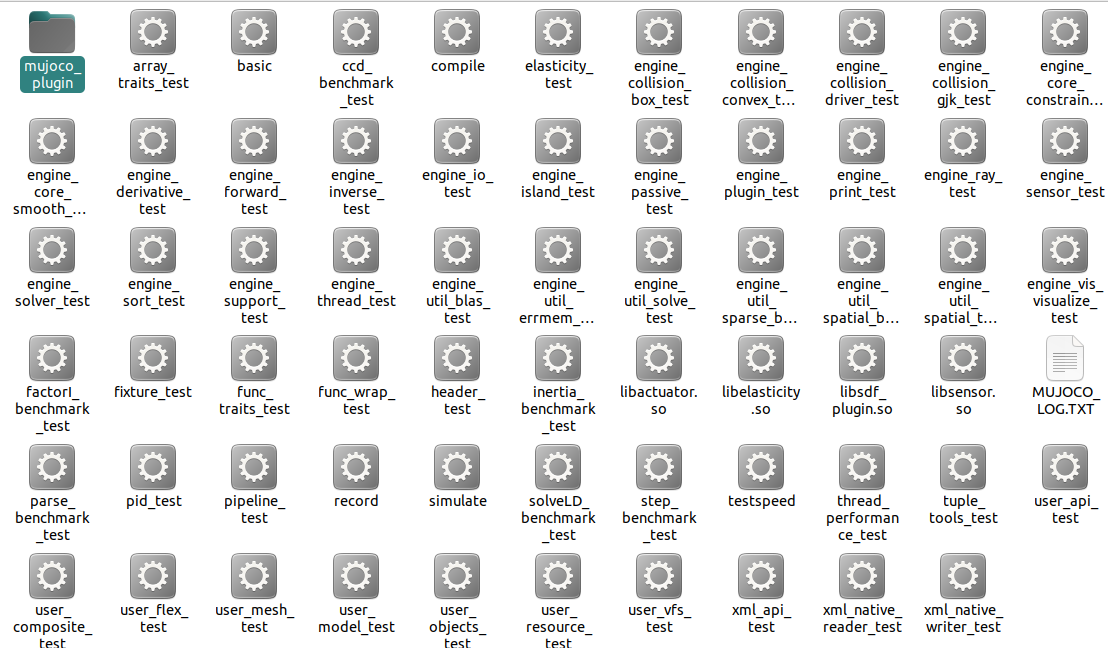 之后就可以加载model/plugin中的模型
测试
cd bin/
./simulate ../model/humanoid.xml
方法2:release版本
在github上下载对应平台的压缩包解压即可 https://github.com/google-deepmind/mujoco/releases
测试
cd bin/
./simulate ../model/humanoid/humanoid.xml
方法3:python安装
pip install mujoco
测试
python -m mujoco.viewer or python3 -m mujoco.viewer
或者加载模型
python -m mujoco.viewer --mjcf=/path/to/some/mjcf.xml or
python3 -m mujoco.viewer --mjcf=/path/to/some/mjcf.xml
遇到GLIBCXX_x.x.xx' not found类似问题可尝试更新libstdcxx
conda install -c conda-forge libstdcxx-ng